

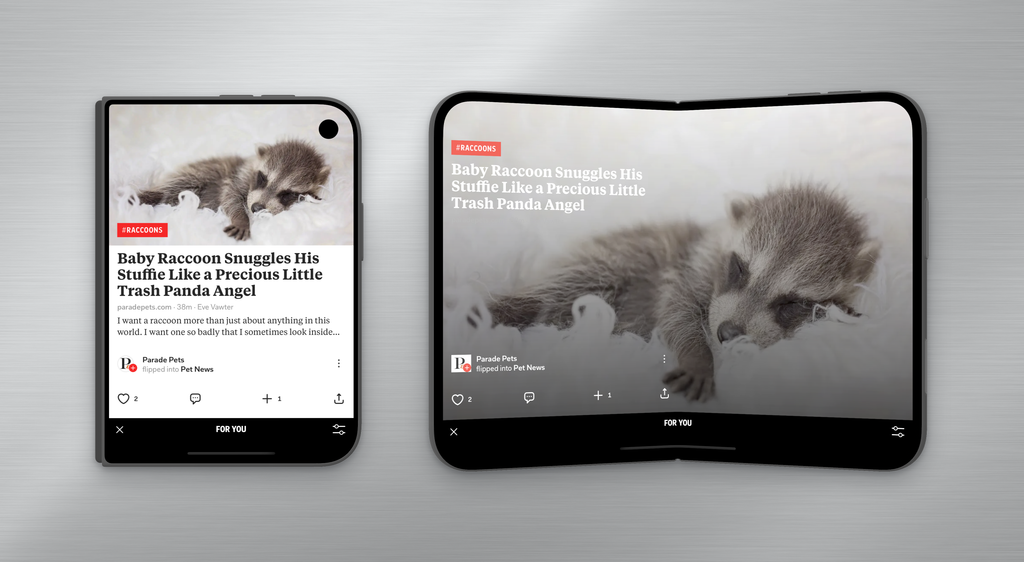
The iPhone Duo brings back that feeling of excitement we got when the first generation of smartphones and the iPad launched. And we aren’t the only ones: “First generation devices are always the most fun to review,” said Marques Brownlee. Joanna Stern got hands-on with it for a week and said it’s exciting to see Apple chart a new course (though she can’t wait for gen 2).
She had a few things to say about apps that haven’t moved with the times though. Luckily for her, we — the pioneers in reading on Apple devices — have fully reimagined Flipboard for the iPhone Duo.
When closed, Flipboard brings an optimized view of your For You feed and all the content you’re used to seeing on the original iPhones, and of course the page flips up. But, when you open the iPhone Duo, the magic of Flipboard really shines as you flip through like it’s a book, with layouts that change with every page turn. With gorgeous designs that focus on the content, each article and image has room to breathe, and you can control the pace, enjoying the stories that interest you most.
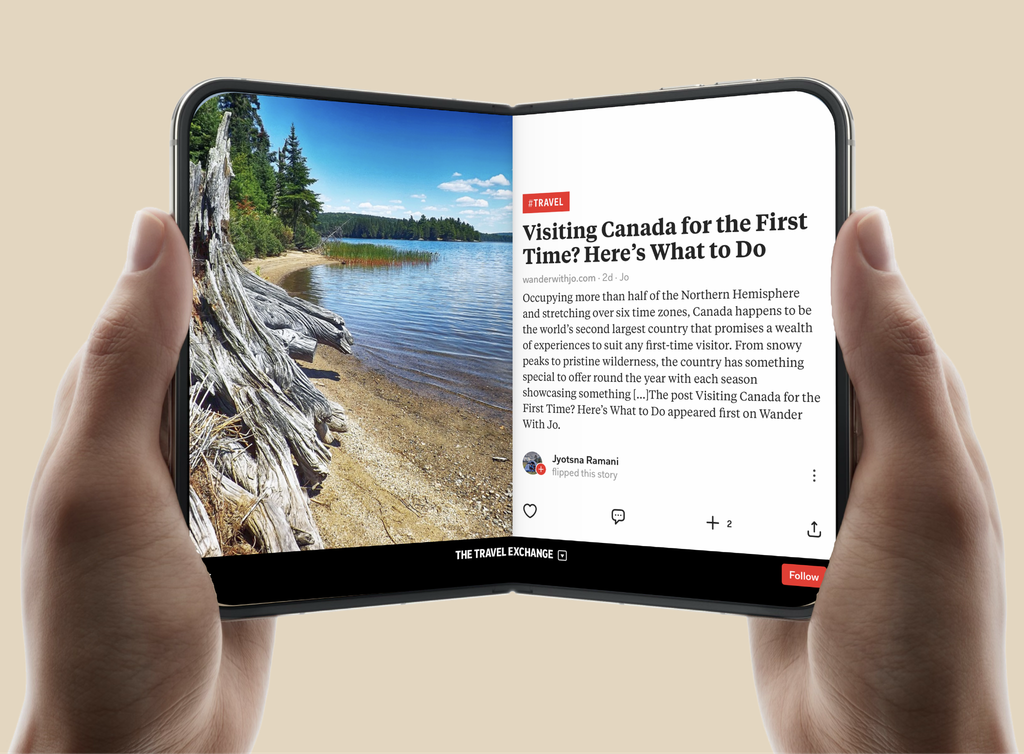
Flipboard for iPhone Duo offers full-screen formats that showcase stories, photos and videos that take advantage of the device’s new Continuous Flow transitions and dual-pane experience. As people flip through pages, content fills the frame with responsive designs, bringing the tactile joy of discovery that Flipboard has been known for to the iPhone Duo.
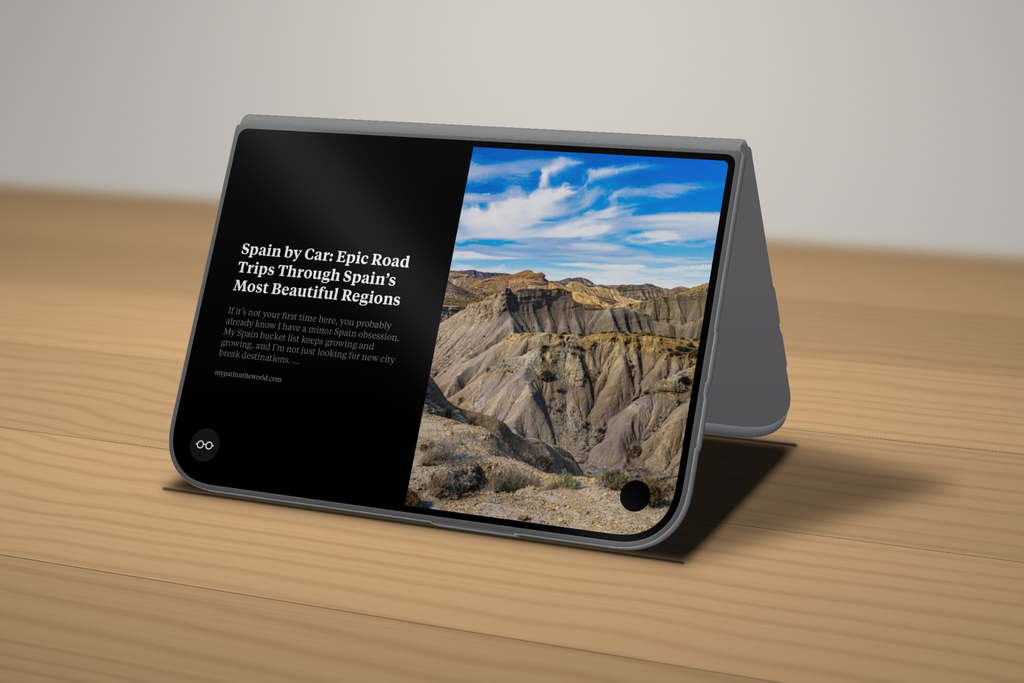
And, for those who miss the Mac Headlines feature, there’s a new “slideshow mode” that slowly pans across images and headlines from the user’s For You feed. Slideshow mode can be turned on in a user’s profile settings so, whenever the iPhone Duo is in Tent pose, the slideshow starts automatically.
For the best Flipboard experience, regardless of which device you’re using, update to version 4.3.73 — and happy flipping!
Thanks for keeping up with all the Flipboard news through our blog. You can download the Flipboard app in the App Store and Google Play Store.